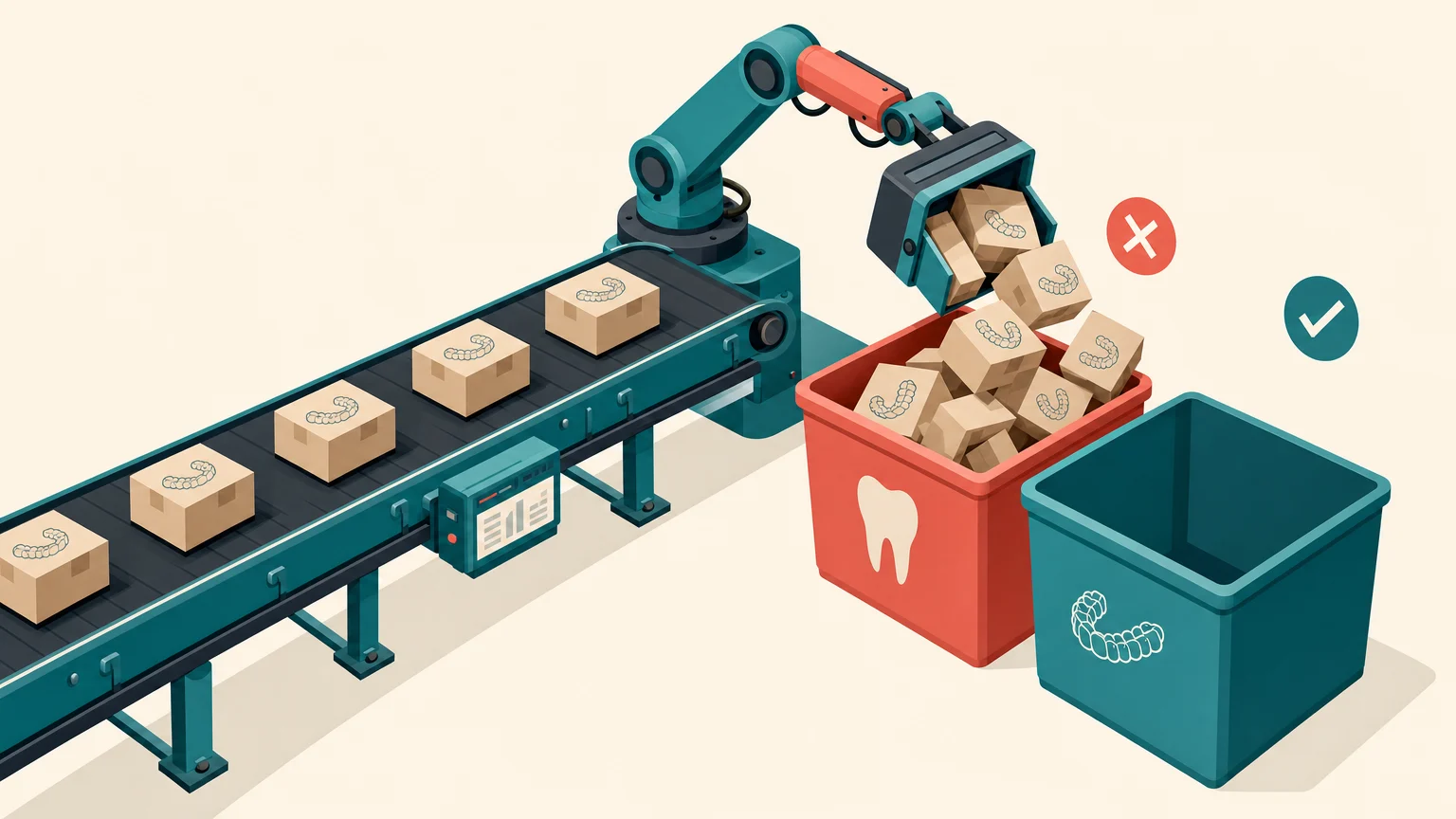
Last year, we audited a Google Ads account for a luxury retirement village. Over 40% of the budget was going to search terms like 'affordable elderly housing' and 'rental' properties for seniors. Essentially, the exact opposite of the client's product: luxury homes.
The blame can’t be put at Google’s door. It was doing exactly what it was told to do. That’s to say, an account that was set up to optimise for form submissions. Those search terms had high volume, low competition, and people were submitting forms. As far as the algorithm was concerned, the campaign was performing well.
So what’s really going on here? It’s simple. The conversion tracking is measuring the wrong things.
Why Conversion Tracking Suddenly Matters More
Conversion tracking has always been important. But in 2026, it's become the single most important factor in campaign performance. Here's why.
Google's PMax, AI Max, and Meta's Andromeda are all AI-driven systems that optimise based on the data you give them. They're designed to find more of whatever you tell them is a conversion.
If a conversion is a form submission, PMax will heavily optimise toward the cheapest form submissions it can find. If a conversion is a phone click, AI Max will chase volume. If a conversion is a signed client pushed back from your CRM, the algorithm learns to find people who look like your actual clients.
The quality of your data now directly determines the quality of your results.
As Emmanuel, our conversion tracking specialist, puts it: 'In 2026, more than ever before, data is king.'
The Race to the Bottom
When campaigns optimise for form submissions rather than real business outcomes, the pattern is predictable.
The algorithm finds that certain search terms produce cheap conversions. These terms tend to be high volume, low competition, and low intent. This normally includes people searching for free services, general information, or something tangentially related.
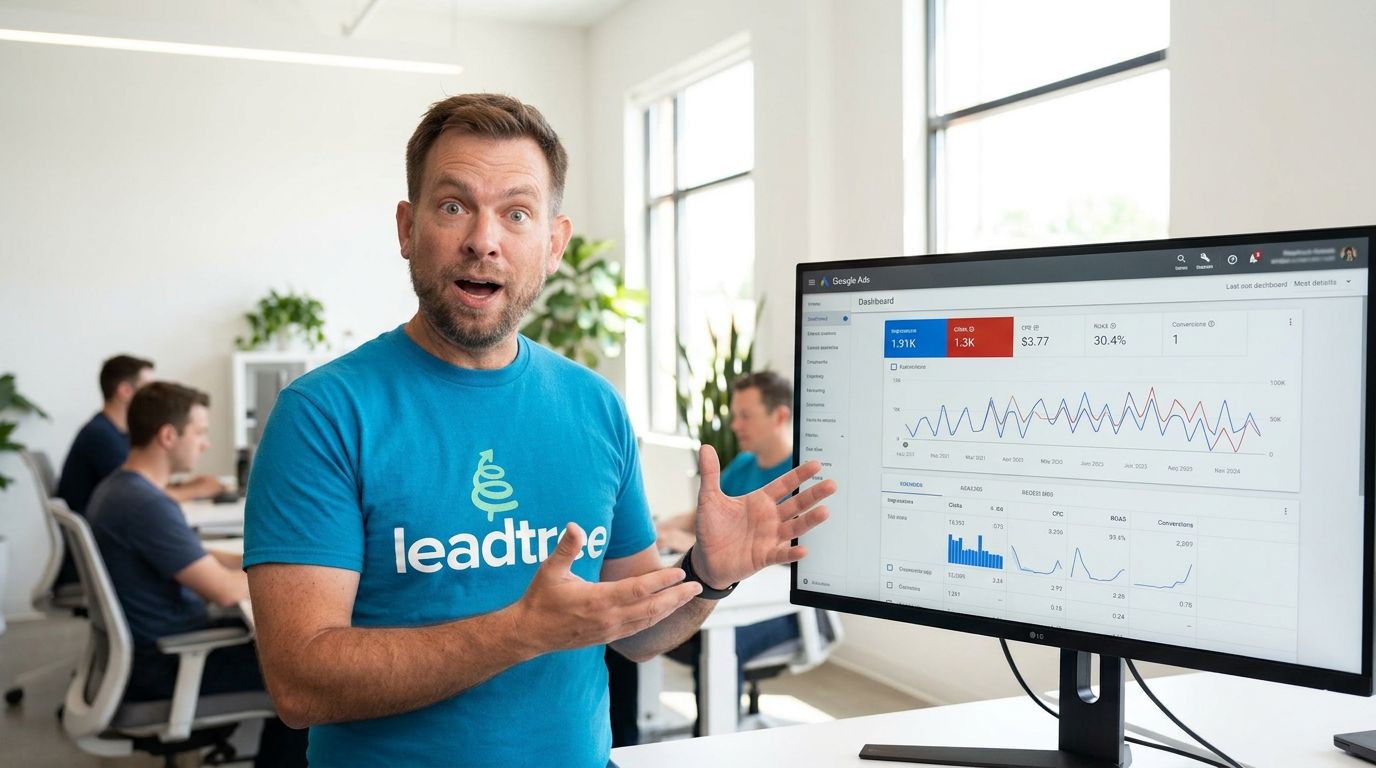
The cost per 'conversion' looks great in the dashboard. But the conversions aren't turning into clients. The leads don't respond to follow-up. The phones ring with people who can't afford your service or need something that you don't offer.
PMax's low CPA can mask a harsh reality where leads generate minimal pipeline or revenue impact.
The same dynamic applies to Meta. Under Andromeda, the algorithm is only as good as the data you feed it. If your Facebook Pixel isn't tracking the right conversions, Andromeda can't learn who to actually target.

The Privacy Problem: What You're Already Missing
Even if you wanted to rely on traditional browser-based tracking, you can't. At least not fully.
Safari, which accounts for roughly a quarter of Australian web traffic, caps JavaScript cookies at 7 days through its Intelligent Tracking Prevention. Cookies set with tracking parameters like gclid from Google Ads or fbclid from Meta expire after just 24 hours. Safari also strips tracking parameters from URLs in certain modes. Other browsers are following suit with their own restrictions.
That means someone clicks your Google Ad on their iPhone, comes back 8 days later to submit a form, and your tracking sees them as a brand-new visitor. The ad gets no credit and the algorithm learns nothing.
29.5% of internet users run ad blockers. In some markets, 40%+ of sessions have client-side tracking tags blocked entirely.
The just-throw-a-pixel-on-it method misses a significant portion of your actual conversions. And every missed conversion is a missed signal to the algorithm.
The Framework: Four Layers of Modern Conversion Tracking
Here's how we approach conversion tracking for clients, with each layer building on the one below it.
Layer 1: Server-Side Tracking (The Foundation)
Server-side tracking replaces browser-based scripts with server-to-server communication. Instead of your visitor's browser sending data to Google or Meta (where it can be blocked), your server collects and sends it directly.
The impact is huge. Server-side cookies last up to 400 days versus 1-7 days for third-party cookies. Ad blockers that prevent 40% of client-side data collection can't block server-to-server communication.
We use Stape.io for this. It's significantly simpler and more cost-effective than setting things up on Google Cloud, which used to be the go-to option. Stape handles the server-side container and provides pre-built connectors for Google, Meta, TikTok, and other platforms.
Layer 2: Enhanced Conversions and Conversions API
Google Enhanced Conversions uses hashed first-party data (email, phone number) to reconnect conversions across devices. Someone clicks an ad on their phone, converts on their laptop, and the system still connects the two.
Result: 5-15% more conversions reported, with higher attribution accuracy.
On Meta's side, the Conversions API (CAPI) replaced the separate Offline Conversions API in May 2025. Everything now flows through a single API. Running CAPI alongside the Meta Pixel delivers 13% lower cost per result and up to 20% more reported conversions.
Layer 3: Offline Conversion Imports (The CRM Loop)
This is where the real shift happens.
When a lead becomes a qualified consultation or a signed client in your CRM, that outcome gets uploaded back to the ad platform. Google uses the click ID (GCLID) captured when they first clicked the ad. Meta uses hashed customer data.
Now the algorithm knows which clicks actually generate revenue, not just form submissions or phone calls, but real clients.
We've done this integration with Salesforce, HubSpot, and GoHighLevel. Google's Data Manager API, available since October 2025, has made this more accessible with pre-built connectors for major CRMs. Where a CRM doesn't have a native integration, Make.com can bridge the gap with custom API workflows.
For one Australian law firm we worked with, connecting HubSpot to offline conversion data played a major role in doubling the firm’s size. The campaigns went from optimising form-filling to optimising for signed clients. That's a fundamentally different input to the algorithm.
For a retirement home organisation, we saw a 44% improvement in attribution accuracy within weeks of implementing the CRM feedback loop.
Layer 4: Qualified vs Unqualified Tracking
This is the layer most businesses miss.
If your landing page uses logic-based qualifying questions (and it should), you can track the difference between someone who answered the questions and qualified versus someone who was ruled out. Instead of counting both of these as the same 'form submission' conversion, the algorithm only optimises for the qualified ones.
This matters because the people filling out your forms all have different situations. A form submission from someone whose situation matches your practice area is worth pursuing. A form submission from someone who was filtered out isn't. If the algorithm can't tell the difference, it treats them the same.
Setting this up typically means tracking the 'qualified submission' event as your primary conversion and either demoting or excluding the unqualified completions.
What This Looks Like in Practice
When all four layers are in place, the campaign operates on a completely different set of signals:
Before: The algorithm sees form submissions and phone clicks. It finds the cheapest ones. Cost per conversion looks good. Lead quality is poor. The firm wonders why they're spending $10,000 a month and not signing clients.
After: The algorithm sees which clicks produce signed clients. It learns which keywords, audiences, and times of day generate real revenue. It bids more for the opportunities likely to convert and less for the ones that historically didn’t.
The improvement compounds. Every new conversion that feeds back into the system makes the algorithm smarter. Over 4 to 8 weeks, campaigns using signed-client data begin to outperform those relying on form-fill data by a substantial margin.
Where to Start
If you're running campaigns with basic pixel tracking: Start with server-side tracking through Stape.io. This recovers the data you're currently losing to browser privacy restrictions. The setup is straightforward and the impact is measurable within weeks.
If you have server-side tracking but no CRM integration: Set up Enhanced Conversions on Google and the Conversions API on Meta. Then configure offline conversion imports so your CRM pushes real business outcomes back to the ad platforms.
If you already have all of the above: Make sure you're tracking qualified leads separately from all form submissions. Set your most meaningful conversion (signed client, qualified consultation) as the primary action. Demote everything else to secondary status.
Conversion tracking is the less glamorous cousin to ads, creative, and landing pages, sitting in the background while they take the spotlight. But in 2026, it's the foundation that everything else is built on. The businesses getting the best results from their ad spend aren't the ones with the biggest budgets or the slickest copy. They're the ones giving the algorithm the right data to work with.
If your cost per conversion looks great but your pipeline doesn't, your tracking is the likely culprit. We help professional services firms close the loop between ad clicks and signed clients, starting with a free audit of your current setup. Book a 30-minute call here and we'll show you what's possible.