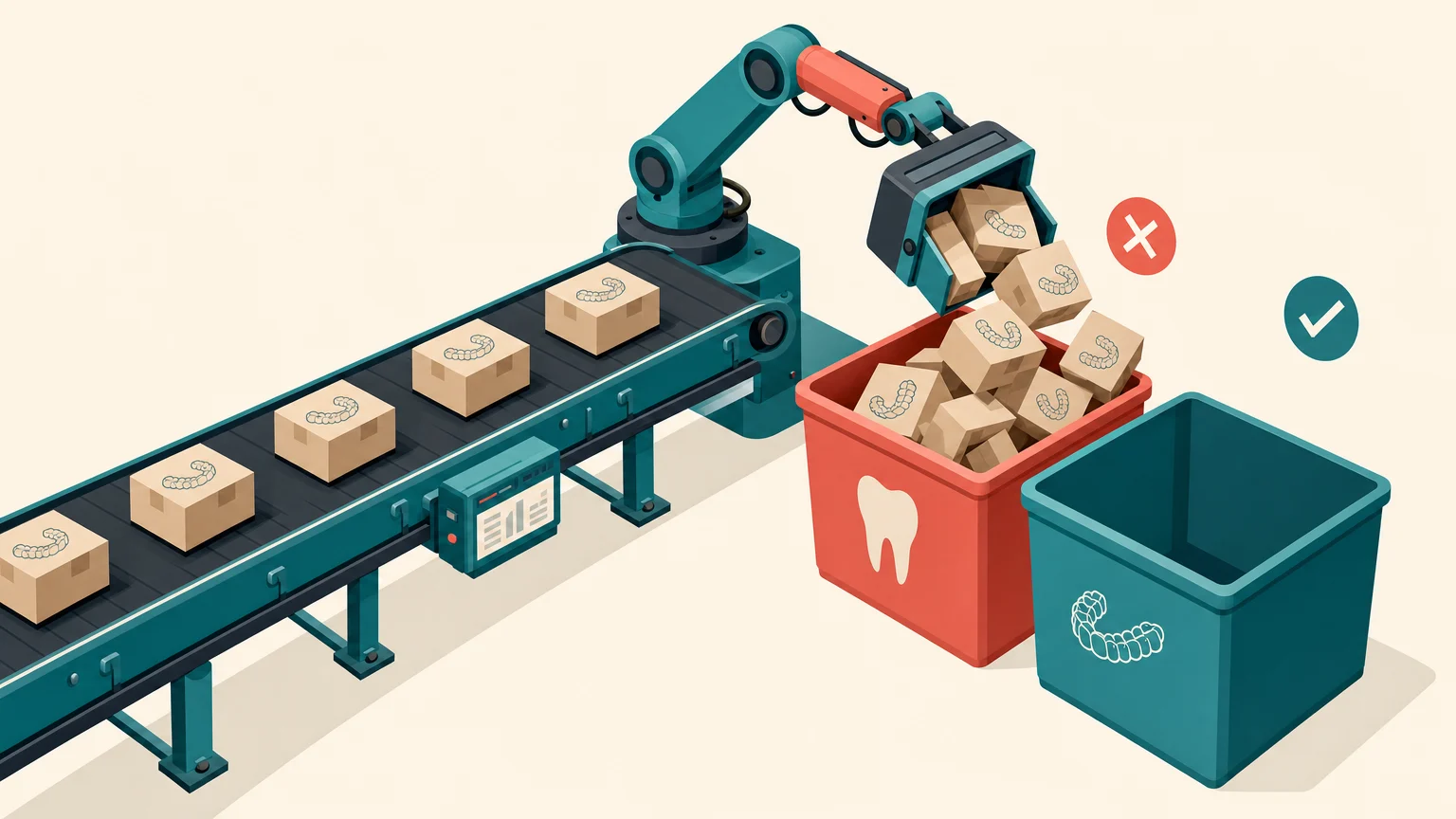

You're spending $20,000+ per month on Google and Meta ads. The leads are coming in, then seem to be evaporating before you know it. This could be because:
- A potential patient calls at 6:47 PM about Invisalign. This call goes straight to voicemail, so they call your competitor.
- Someone fills out a web form on Saturday morning. Your team sees it on Monday at 9 AM and now they've already booked elsewhere.
- An after-hours enquiry about teeth whitening sits in your inbox for 4 hours. They go somewhere else because they didn’t receive a timely response.
The truth is, you're losing leads because you're treating a 24/7 digital marketplace with a 9-5 phone system. That $20,000 is evaporating quickly because no one picked up the phone.
What You Need Before You Start
We need to be practical about implementation. You'll need:
Time commitment: 2-3 hours for initial setup, then 30 minutes weekly for the first month to refine responses.
Technical requirements:
- Your existing Practice Management System (PMS) with API access
- Current phone system details (most modern VoIP systems integrate easily)
- A documented list of your most common enquiry types and responses
- Access to your booking calendar
Budget: Australian dental practices typically invest $5,000-$25,000 for comprehensive AI platforms, but booking-focused systems start around $300-$800 monthly, depending on call volume.
Decision makers: You'll need your practice manager and whoever manages your current phone system involved in the setup process.
The good news is that modern AI dental booking systems integrate smoothly with existing practice management software, EHR and CRM tools, so you're not ripping out your current infrastructure.
Step 1: Audit Your Current Lead Leakage
Before implementing any solution, you need to know exactly where your bleeding leads.
Track these metrics for two weeks:
Pull your call logs and identify:
- Total inbound calls during business hours vs. after hours
- Average time to first response for web form submissions
- Number of voicemails left (these are lost opportunities)
- Calls that rang but weren't answered during business hours
For web enquiries, measure:
- Time stamps of form submissions
- Time stamps of the first staff response
- Conversion rate for enquiries answered within 5 minutes vs. those answered later
You’re looking for the gap between when leads arrive and when your team can respond.
When we audit dental practices in Brisbane and Sydney, we typically find that 30-40% of total enquiries arrive outside standard business hours. For cosmetic procedures (Invisalign, veneers, whitening), that number jumps up because people research aesthetic treatments in private time.
Create a simple spreadsheet:
- Column A: Enquiry timestamp
- Column B: First response timestamp
- Column C: Time gap
- Column D: Did it convert? (Yes/No)
- Column E: Estimated value if it had converted
That last column is crucial. When you see ‘$4,500 Invisalign case, responded after 6 hours, lost’ repeated across your sheet, the business case for AI agents becomes clear.
Step 2: Map Your Enquiry Scenarios
AI phone agents are only as good as the scenarios you teach them. Spend 90 minutes with your best receptionist and document:
The 10 most common enquiry types:
- General appointment booking (check-up, cleaning)
- Emergency dental (pain, broken tooth)
- Cosmetic consultations (Invisalign, veneers, whitening)
- Pricing questions
- Insurance and payment plans
- New patient registration
- Existing patient rescheduling
- Post-treatment questions
- Referral enquiries
- Location and hours
For each scenario, write out:
- The questions patients typically ask
- The information your receptionist provides
- The qualifying questions you ask before booking
- The ideal outcome (book appointment, schedule callback, send information)
Example for Invisalign enquiries:
Patient question: ‘How much does Invisalign cost?’
Your response framework:
- Acknowledge the question
- Explain that pricing depends on complexity (typically $6,000-$9,000 for comprehensive cases)
- Offer a free consultation to provide accurate pricing
- Ask qualifying questions: ‘Have you had braces before?’ ‘What are you hoping to achieve?’
- Book the consultation appointment
This documentation becomes your AI training material. The more specific you are, the better your AI agent performs.
Step 3: Choose Your AI Phone Agent Platform
Not all AI booking systems are the same. You should focus on what actually matters for dental practices:
Must-have features:
- Voice AND SMS capability (some patients prefer texting)
- Real-time calendar integration with your PMS
- Ability to handle complex scheduling (different appointment types, different durations, different providers)
- Australian accent and language patterns (this matters more than you'd think)
- HIPAA-equivalent privacy compliance for Australian health data
Nice-to-have features:
- Automatic follow-up sequences for no-shows
- Integration with your Google Business Profile for direct booking
- Sentiment analysis to flag urgent or upset callers for immediate human intervention
- Multi-location support if you have multiple practices
AI appointment booking platforms designed for dental practices achieve 30-50% conversion improvements compared to traditional voicemail systems, but only if they're properly configured.

For Australian practices, look for platforms with local support infrastructure. A 3 AM technical issue shouldn't require waiting for US business hours to resolve.
Evaluation process:
Request demos from 3-4 providers. During each demo, ask them to role-play these scenarios:
- After-hours emergency dental enquiry
- Complex cosmetic consultation booking
- Pricing question with objection handling
- Existing patient wanting to reschedule
Watch how naturally the AI handles interruptions, unclear responses and follow-up questions. AI that sounds robotic will damage your brand more than help it.
Step 4: Configure Your AI Agent
This is where most practices rush and regret it, so take time to get this right.
Set up your calendar rules:
Define appointment types and durations:
- Standard check-up: 30 minutes
- New patient comprehensive: 60 minutes
- Invisalign consultation: 45 minutes
- Emergency slot: 20 minutes
Configure buffer times between appointments (your AI agent should know not to book back-to-back complex cases).
Set blackout periods for lunch, staff meetings and administrative time.
Train your AI's conversation flow:
Upload the enquiry scenarios you documented in Step 2. Most platforms let you create decision trees:
- If a patient asks about Invisalign → Provide price range → Ask qualifying questions → Offer consultation booking
- If a patient reports dental pain → Assess urgency → Offer same-day or next-day emergency slot
Configure your response protocols:
Decide what happens when the AI can't handle something:
- Immediate escalation to on-call staff for true emergencies
- Scheduled callback during business hours for complex questions
- Email notification to the practice manager for unusual requests
Set up your voice and tone:
This is where Australian practices often stumble. Your AI agent should sound like your actual front desk team. Make it sound professional but warm and efficient. Avoid anything that sounds too robotic.
Provide examples of how your team actually speaks:
- ‘G'day, thanks for calling [Practice Name]. How can I help you today?’
- ‘No worries, let me check our availability for you.’
- ‘That's a great question about Invisalign. Let me book you in for a free consultation where Dr. [Name] can give you an accurate quote.’
The more natural language examples you provide, the better your AI performs.
Step 5: Test Before Going Live
Do not skip this step.
Internal testing phase (3-5 days):
Have your team call the AI agent at different times with various enquiry types. You should test:
- Does it correctly book appointments in your calendar?
- Does it naturally handle objections?
- Does it escalate emergencies?
- Does it sound professional and on-brand?
Record these test calls, then listen to them with your practice manager and receptionist. Refine the conversation flows based on what sounds awkward or unclear.
Soft launch phase (1 week):
Route after-hours calls to your AI agent while keeping your human team handling business hours calls. This lets you:
- See how real patients interact with the system
- Identify gaps in your conversation flows
- Build confidence before full deployment
You can monitor every conversation during this phase, as most platforms provide transcripts and recordings.
Common issues to watch for:
- AI misunderstanding Australian accents or slang
- Confusion around public holidays or school holiday booking patterns
- Difficulty handling complex family bookings (parent + multiple children)
- Problems with existing patient recognition
Step 6: Launch and Monitor
You're ready to go live when your soft launch shows 80%+ successful enquiry handling without human intervention.
Week 1-2: Intensive monitoring
Check your AI agent's performance each day:
- How many calls/enquiries were handled?
- How many successfully booked appointments?
- How many escalated to human staff?
- Any complaints or confusion from patients?
Most dental clinics lose leads simply because they don't follow up fast enough. Your AI agent should be responding within seconds, not minutes.
Week 3-4: Optimisation
You'll notice patterns:
- Certain enquiry types that consistently confuse the AI
- Peak call times that might need additional human backup
- Common objections that need better scripted responses
Refine your conversation flows based on real data, not assumptions.
Ongoing management (30 minutes weekly):
Review your weekly metrics:
- Total enquiries handled
- Booking conversion rate
- Average response time
- Patient satisfaction scores (if you collect them)
Compare these to your pre-AI baseline from Step 1. You should see:
- 40-60% increase in after-hours enquiries converted to bookings
- Response time dropping from hours to seconds
- Overall lead-to-appointment conversion improving by 25-35%
Common Mistakes That Kill ROI
Here's what dental practices get wrong:
Mistake #1: Treating AI as ‘set and forget’
Your AI agent needs ongoing training. Patient language evolves, new services get added and pricing changes. If you don't update your AI's knowledge base, it'll give outdated information and damage trust.
Schedule monthly reviews of your AI's conversation transcripts. Look for confusion patterns and update accordingly.
Mistake #2: Not integrating with your existing systems
An AI agent that can't actually book into your calendar is just an expensive answering service. The power comes from seamless integration with your practice management software, creating a cohesive workflow.
If your AI requires manual data entry after each enquiry, you've just created more work, not less.
Mistake #3: Ignoring the human handoff
A patient with a complex medical history asking about implants shouldn't be fully handled by AI. Your system needs clear escalation protocols.
Define exactly when AI hands off to humans:
• Medical complexity beyond standard procedures
• Upset or dissatisfied patients
• Requests outside normal service offerings
• Technical issues with the booking system
Mistake #4: Underestimating training time
Implementation requires a structured methodology, not just a plug-and-play setup. Budget 2-3 hours for initial configuration, then expect to spend 30-60 minutes weekly for the first month refining responses.
Practices that rush this phase end up with AI agents that frustrate patients instead of helping them.
Mistake #5: Not tracking the right metrics
Vanity metrics like ‘total calls handled’ don't matter. What matters is:
• Conversion rate (enquiry to booked appointment)
• Revenue per converted lead
• Cost per acquisition compared to lost leads
• Patient satisfaction with the booking experience

If your AI handles 100 calls but only converts 10 to appointments, while your human receptionist converts 60 out of 100, you've made things worse, not better.
Your Next Steps
Every day you wait, you're losing 20-30% of your ad spend to enquiries that are lost before your team can respond.
For a practice spending $20,000 monthly on advertising, that's $4,000-$6,000 evaporating. Over a year, that's $48,000-$72,000 in wasted marketing investment.
An AI phone agent system costs $3,600-$9,600 annually (at $300-800/month). The ROI calculation isn't complicated.
Start with step 1 this week and audit your lead leakage for two weeks. You need to see the problem in black and white before you commit to solving it.
Then move through steps 2-6 systematically. A well-configured AI agent that converts 55% of after-hours enquiries beats a hastily deployed system that converts 20%.
The Australian dental industry is valued at $13 billion annually, and competition for cosmetic dentistry patients is intensifying. Practices that capture and convert leads faster win. It's that simple.
Your competitors are either already implementing these systems or will be in the next 6-12 months. AI phone agents will become standard in dental practices. The question is whether you'll be an early adopter or a late adopter playing catch-up.
Ready to stop wasting your ad spend on leads that never convert? Our dental marketing services include AI-powered lead management for Australian dental and cosmetic practices. We'll audit your current lead leakage, recommend the right AI platform for your practice size, and handle the technical implementation so you can focus on patients, not technology.
Book a 30-minute free call to discuss how we can help: https://www.leadtree.agency/product/book-call